Gigabyte A620M S2H
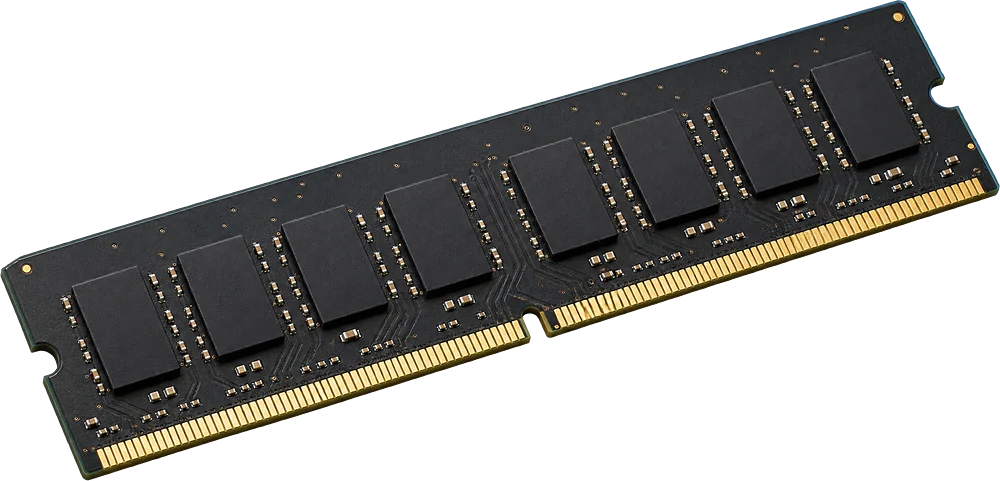
Only 2 machines reported so far, so this answer rests on few examples. Check the label or open the panel before you buy.
It depends on the configuration.
The reports show more than one memory layout for this motherboard. Check the label or the system information before you buy.
- Slots
- 4 DIMM slots
- Type
- DDR5-4800 288-pin DIMM
- Most seen working
- 32 GB in two or more machines
- Firmware says
- 128 GB maximum (often wrong, so we show what machines run)
- How sure
- 1 of 2 reports show this layout
Worked out from 2 hardware reports of this motherboard. Sources and method. Updated 9 Nov 2026.
Questions
Can I upgrade the RAM in the Gigabyte A620M S2H?
It depends on the configuration: the reports show more than one memory layout for this motherboard.
What type of RAM does the Gigabyte A620M S2H use?
DDR5-4800 full-size sticks (DIMM, 288-pin).
How much RAM can the Gigabyte A620M S2H take?
Machines in the reports run up to 32 GB. The firmware reports a maximum of 128 GB, a figure that is often wrong.
Is this my motherboard?
The model name is printed on the board, usually between the memory slots or near the CPU socket. In Windows, open System Information and look at "BaseBoard Product"; it should read A620M S2H.