Dell OptiPlex 7080
Desktop, from 2020 15 hardware reports
Which case is yours? The two cases take different memory. A micro or mini case is the size of a hardback book and runs from a laptop-style power brick.
Memory
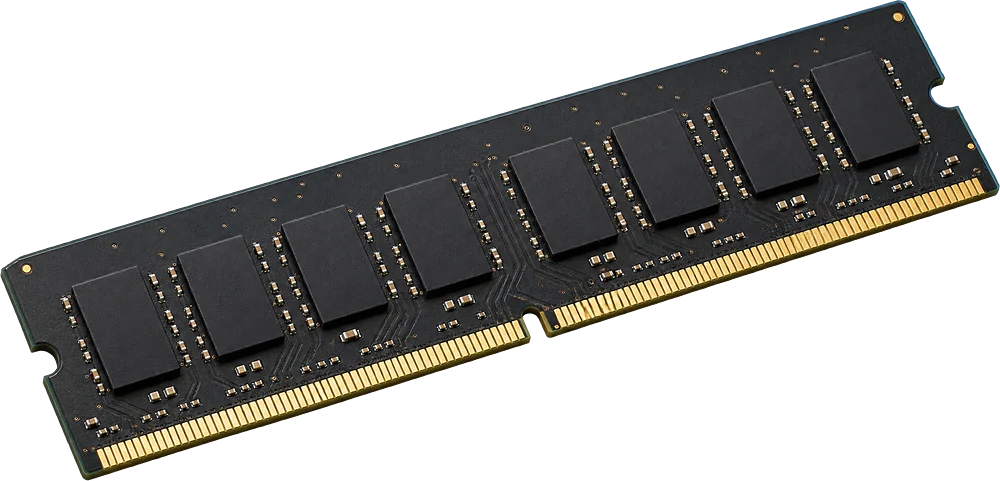
Up to 128 GB
4 full-size slots
Memory
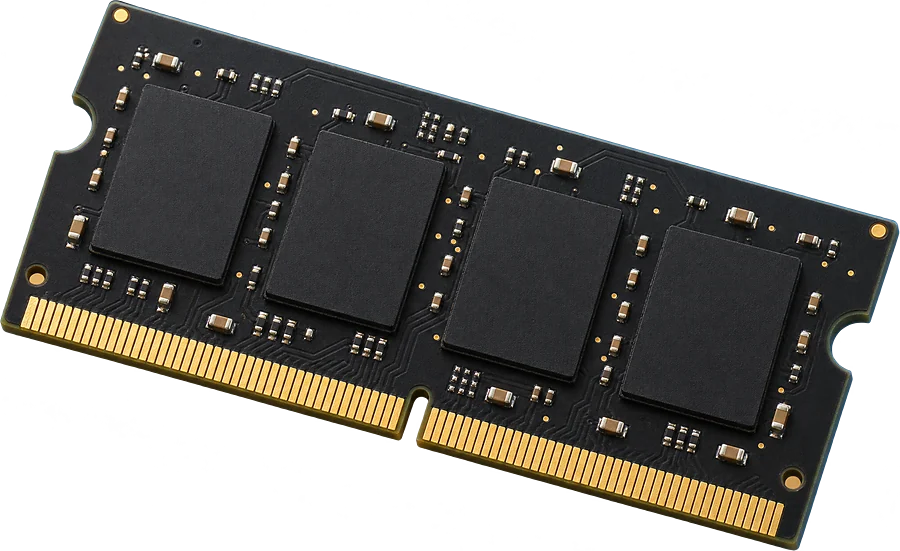
Up to 64 GB
2 laptop-size slots
SSD
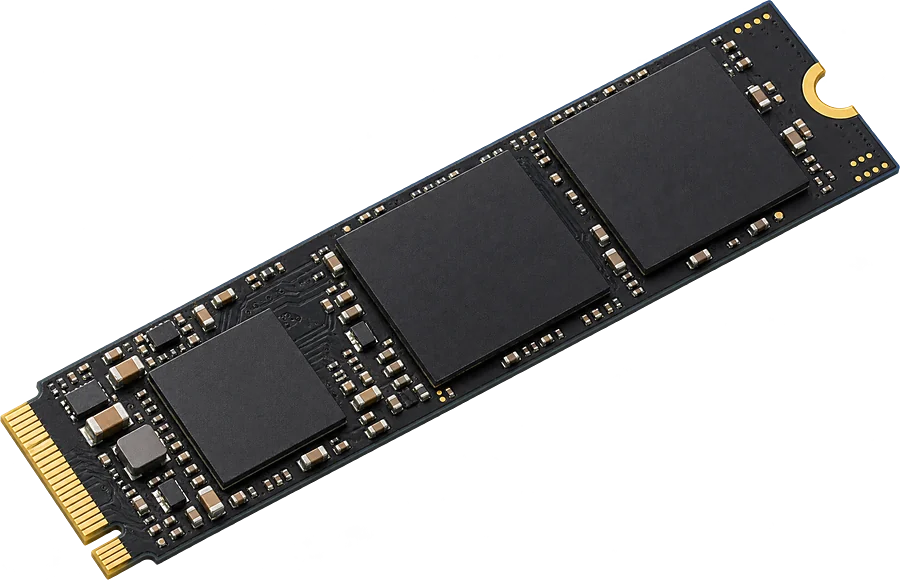
2+ M.2
At least 2 M.2 SSD slots
Drives and power
Coming next
Checked from separate sources
Upgradable
Yes. 4 slots, up to 128 GB seen working.
It takes DDR4-2933 full-size sticks (DIMM).
- Slots
- 4 DIMM slots
- Type
- DDR4-2933 288-pin DIMM
- Most seen working
- 128 GB in two or more machines
- Firmware says
- 128 GB maximum
- SSD slots
- At least 2 M.2 SSD slots listed by the firmware
- How sure
- 13 of 15 reports show this layout
See 32 GB DDR4-2933 DIMM on AmazonOpens an Amazon search for this exact spec.
Worked out from 15 hardware reports of this desktop. Sources and method. Updated 9 Nov 2026.
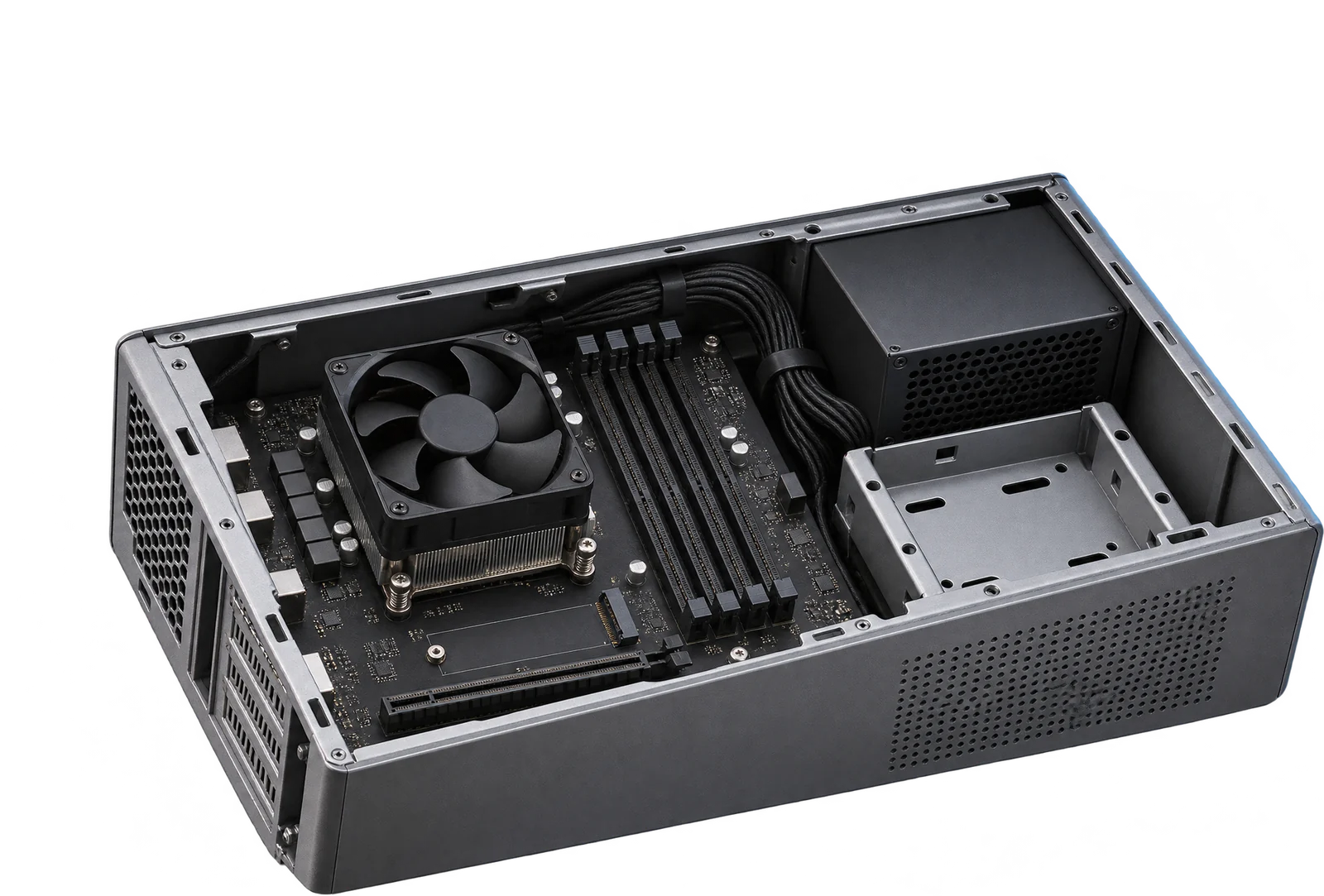
4 full-size slots
Illustration Upgradable
Yes. 2 slots, up to 64 GB seen working.
It takes DDR4-2933 laptop-size sticks (SO-DIMM).
- Slots
- 2 SO-DIMM slots
- Type
- DDR4-2933 260-pin SO-DIMM
- Most seen working
- 64 GB
- How sure
- 2 of 15 reports show this layout
See 32 GB DDR4-2933 SO-DIMM on AmazonOpens an Amazon search for this exact spec.
Worked out from 15 hardware reports of this desktop. Sources and method. Updated 9 Nov 2026.
2 laptop-size slots
Illustration Questions
Can I upgrade the RAM in the Dell OptiPlex 7080?
Yes. 4 slots, up to 128 GB seen working. It takes DDR4-2933 full-size sticks (DIMM).
What type of RAM does the Dell OptiPlex 7080 use?
DDR4-2933 full-size sticks (DIMM, 288-pin).
How much RAM can the Dell OptiPlex 7080 take?
Machines in the reports run up to 128 GB. That matches the 128 GB maximum the firmware reports.
Does the Dell OptiPlex 7080 have an M.2 SSD slot?
Yes. The firmware lists at least 2 M.2 SSD slots, in 15 reports. Some firmware leaves a slot out, so there may be more.
Is this my desktop?
Check the model name on the front or the label of the case. It should read OptiPlex 7080.